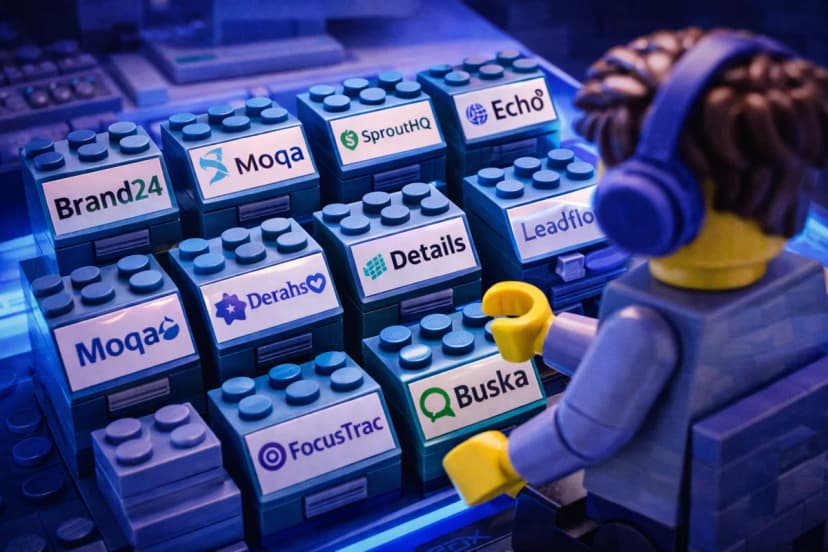
Connect Buska to Slack to receive instant notifications whenever someone mentions your brand online, directly in your team's Slack channel. This guide walks you through the setup process step by step.
Prerequisites
To start, ensure you have the ultimate plan on Buska.io. This level of subscription is necessary to access the Slack integration feature.
Step 1: Configuring Buska.io
Log into your Buska.io account and head to the settings by navigating to Notifications and Teams. Here, you'll find an option to connect to Slack. Click this to initiate the integration process.
The Easiest and Quickest Solution
Step 2: Creating a Webhook in Slack
- Select a Channel: Choose the Slack channel where you wish to receive notifications.
- Navigate to Integrations: Go to the "Integrations" section and click on "Add Automation".
- Workflow Creation: Click on "Create a Workflow", select "From a webhook" from the screen that appears. Click on "Configure Variables" and enter your desired variable name. Remember this name, as you'll need to use it later. Click "Finish" and then "Continue".
Step 3: Setting Up the Notification Message
- Add a Message Step: On the right side, click on "Message" followed by "Send a message to a channel" to set up notification delivery to a channel.
- Configure the Message: Select the channel where you want the message to be sent. Use the same variable name you configured earlier. After setting this up, click on "Save" and then on "Publish".
The Other Solution
Step 2: Creating an app in Slack
- Go to api.slack.com/apps
- Create a new app
- Add feature: "incoming webhooks"
Congratulations!
You have successfully set up Buska.io to send notifications to your selected Slack channel. Now, whenever someone mentions your brand online, you'll receive an alert directly in Slack.
This integration streamlines your monitoring process, ensuring you're always informed about what's being said about your brand without having to constantly check different platforms.
Get started with Buska's Slack integration today.
Start free trial